

Dashboard
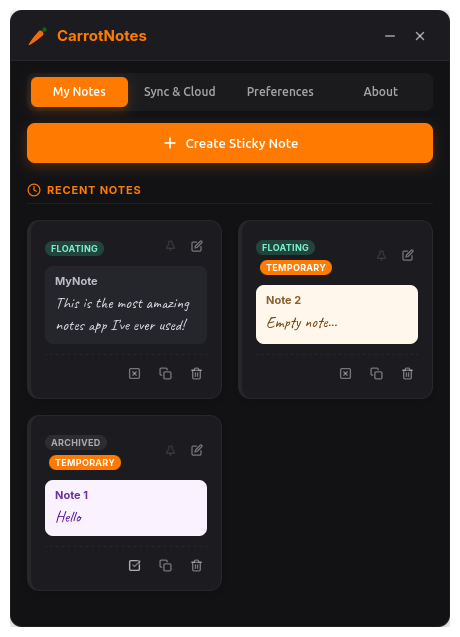
Manage all your notes from one place — create, float, archive, pin, and preview at a glance.

Lightweight floating sticky notes for Linux.
Rich editing · Markdown on disk · Sync on your terms
A local-first desktop sticky-notes app built with Tauri and Rust. Each note lives in its own floating window — resize it, pin it, keep it always on top — while you write in a clean, Notion-style editor. Content is stored as Markdown, so your notes stay portable and under your control.
Carrots, milk, bread…
Ship v0.2 with…
Floating notes, a full dashboard, sync settings, and rich formatting — all on your desktop.
Manage all your notes from one place — create, float, archive, pin, and preview at a glance.

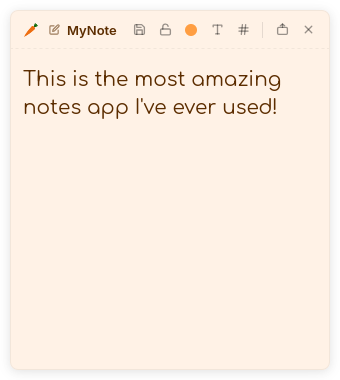
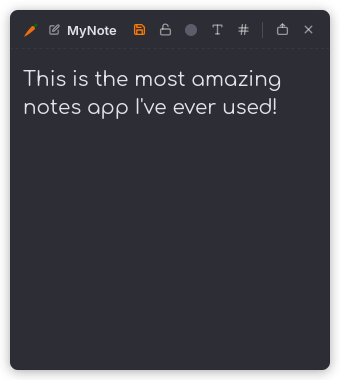
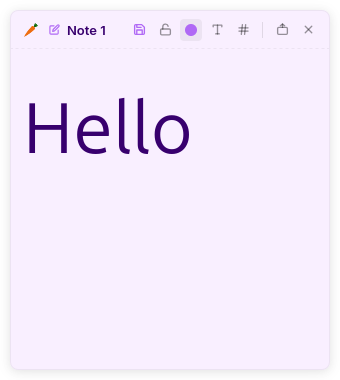
Each note is its own window. Pick a theme, resize, and keep it on your desktop.


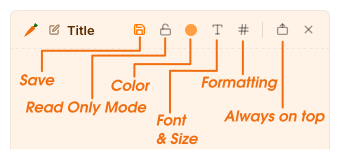
Save, lock, color, font, formatting, and always-on-top — everything in reach.

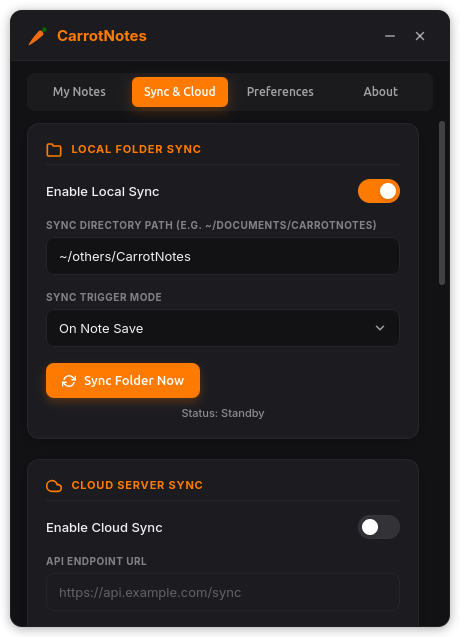
Local folder sync, self-hosted cloud, restore from backup, and a danger zone for cleanup.

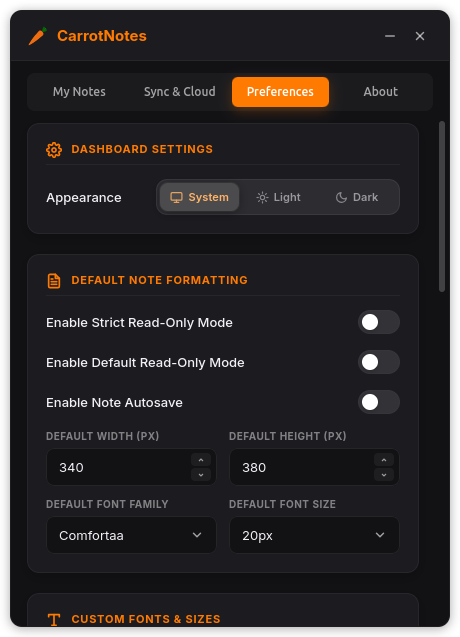
Appearance, autosave, default formatting, custom fonts, and note colors.

No vendor lock-in. Optional sync to a folder or your own server.
Carrot Notes is Linux-first. Windows and macOS builds may work but have not been validated in this release.
| Platform | Status | Packages |
|---|---|---|
| Linux | Primary — tested on Ubuntu / GNOME (Wayland) | .deb, AppImage, .rpm |
| Windows | May build via Tauri | Not officially tested |
| macOS | May build via Tauri | Not officially tested |
Download the latest release from GitHub Releases.
Recommended for Ubuntu and Debian-based distributions.
sudo apt install ./carrotnotes_0.1.0_amd64.debRun anywhere without installing — great for trying it out.
chmod +x carrotnotes_0.1.0_amd64.AppImage
./carrotnotes_0.1.0_amd64.AppImageNode.js 18+, Rust 1.77+, and Tauri prerequisites for Linux.
git clone https://github.com/shakerbr/carrot-notes.git
cd carrot-notes
npm install
npm run buildDownload Carrot Notes for free. No account, no cloud required — just floating sticky notes that work the way you do.